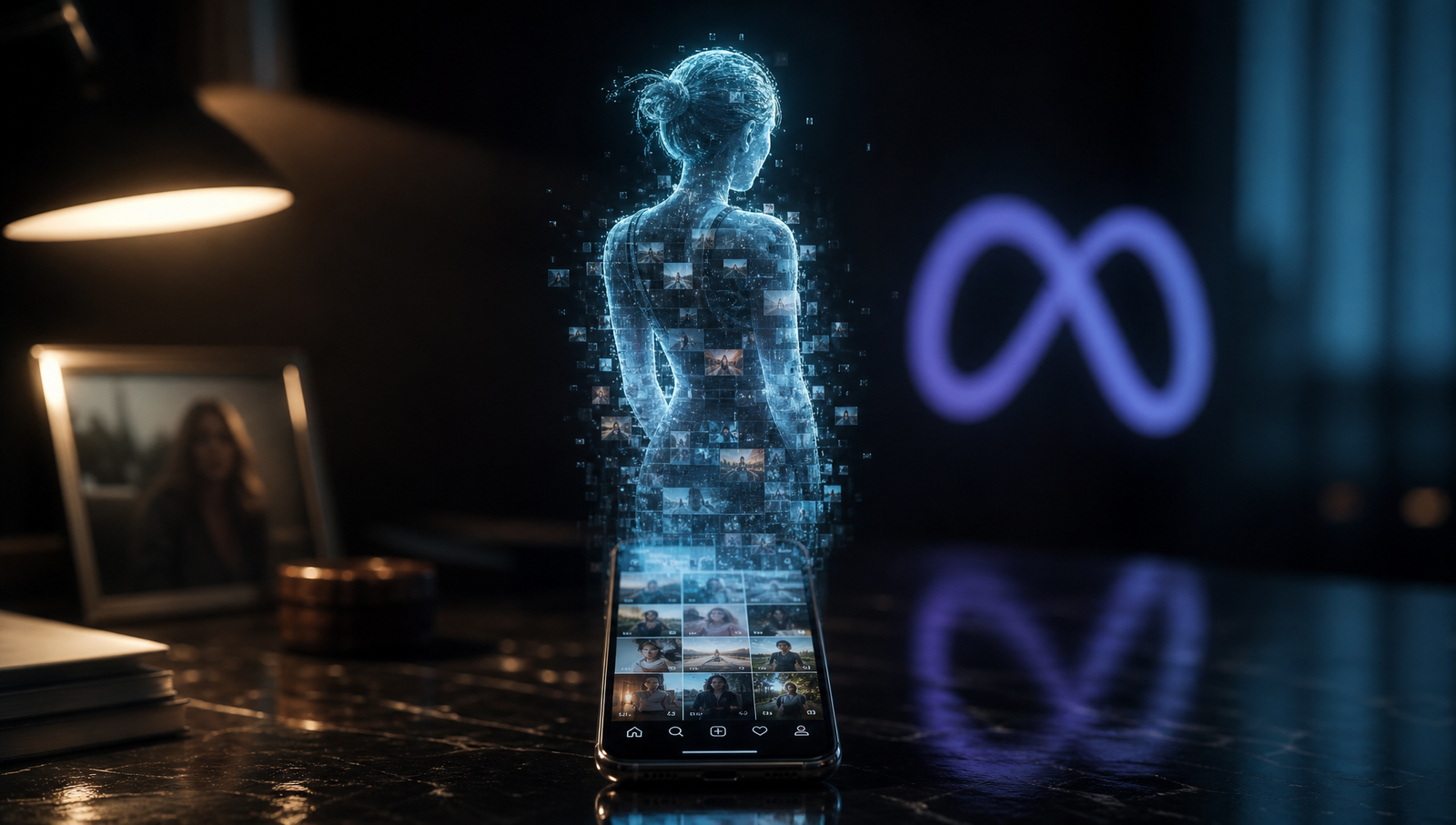
Meta has begun rolling out Muse Image, a new AI image-generation feature that allows eligible public Instagram profiles to be referenced in prompts, prompting fresh questions over consent and privacy.
- Meta launches Muse Image, a feature using public Instagram photos to generate AI images via user prompts by default.
- The feature targets millions of eligible public Instagram profiles starting July 2026, though private accounts remain excluded from the database.
- Privacy advocates criticize Instagram for automating likeness extraction without individual notifications, sparking a conflict between user consent and AI scaling.
The feature is enabled by default for eligible public accounts, although users can opt out through a new setting in Instagram. Private accounts are not included.
The rollout has drawn criticism from privacy advocates because users are not notified when AI images are generated using their public profiles.
How to Turn Off Meta’s AI Image Feature
Meta has introduced a new control that lets eligible Instagram users prevent their public posts and reels from being reused in AI features.
To disable the feature:
Have a development worth tracking?
Share product launches, funding announcements, partnerships, research findings and market developments with The Grey Terminal's readership.
→ Submit a Press Release- Open Instagram.
- Go to your Profile.
- Tap the Menu (☰) in the top-right corner.
- Select Sharing and Reuse.
- Turn off Posts and Reels under “Allow people to reuse your content on Instagram and with AI features at Meta.”
The setting is being rolled out gradually, meaning some users may not see it immediately. Meta says eligible accounts will receive access as the rollout expands.
Users who want the strongest protection before the setting becomes available can switch their Instagram account from public to private, which excludes it from the feature.
What Muse Image Can and Can’t Do
Muse Image is Meta’s latest AI image-generation tool, allowing users to create images by referencing eligible public Instagram profiles in prompts submitted to Meta AI.
The feature does not use private Instagram accounts. Instead, it relies on content from eligible public profiles where the setting remains enabled.
Meta has not said it will notify users each time their public profile is used in an AI-generated image. That has become one of the main points of criticism raised by privacy experts and digital rights advocates following the rollout.
The company says users remain in control through the new privacy setting, although the feature is enabled by default for eligible public accounts.
Why the New Feature Is Raising Privacy Concerns
Meta’s rollout of Muse Image has prompted criticism from privacy advocates because the feature applies to eligible public Instagram accounts by default rather than requiring users to opt in.
Critics have also questioned the lack of notifications when someone’s public profile is used to generate an AI image. That means users may not know whether their likeness has been referenced unless they proactively disable the setting.
Another point of concern is the treatment of images created before a user opts out. According to Meta’s current guidance and reporting by technology publications, disabling the feature prevents future AI image generation but does not remove images that were already created while the setting was enabled.
The rollout has renewed a broader debate over how technology companies should balance new AI features with user consent, particularly when public social media content is used to power generative AI tools.
What Happens If You Opt Out?
Turning off the setting prevents your eligible public Instagram content from being used in future AI image generation through Muse Image.
However, according to Meta’s current guidance and reporting by several technology publications, opting out does not remove AI-generated images that may already have been created before the setting was disabled.
Meta has also not announced a tool allowing users to search for or delete AI-generated images that were created before they opted out.
If the new setting has not yet appeared on your account, making your profile private remains the most effective way to prevent your content from being included while the feature continues to roll out.
Activate Terminal Layer
Structural analysis of the systems, pressures, and stakeholders behind this story.